Five things your agents can now do
Most people don't know that agents can now do these things, so they never ask for them. Each one is shown below in a mock chat, so you can see the principle without the clutter of a real screen. Press Replay to watch a chat unfold, and click any row with a ⌄ to open it.
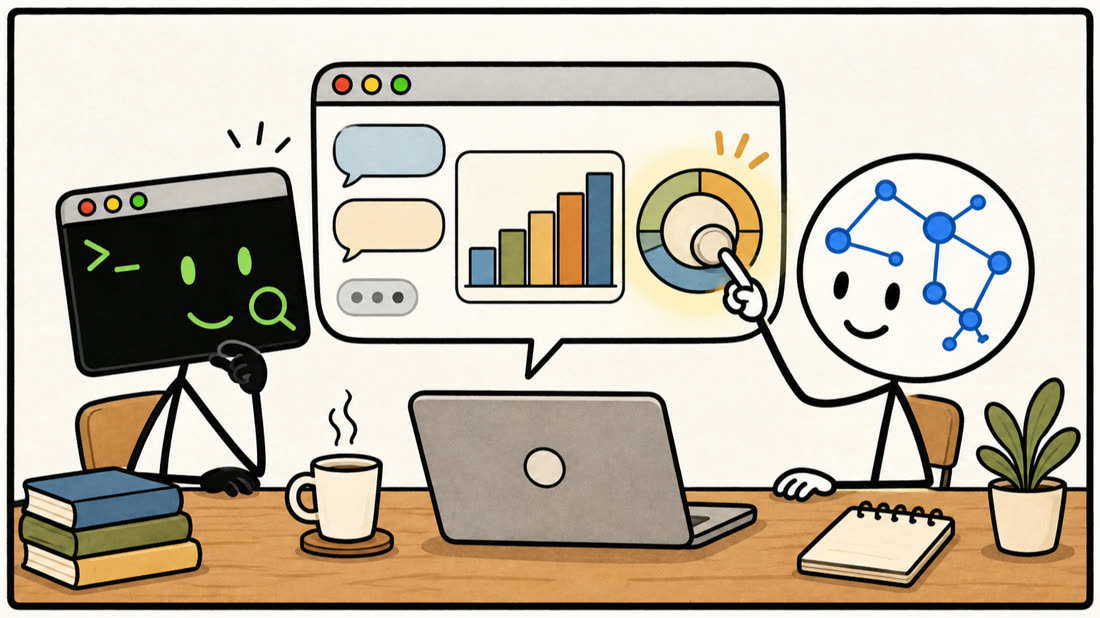
1They answer with interactive visuals, right in the chat
An agent can answer with a working chart or a small interactive tool that sits inside its reply, between the messages, not in a side panel or a file you have to open. It will rarely do this unless you ask. Note that nothing is attached: the agent finds the survey in your files and the quotes in your email. Both visuals in this chat work: pick a department, drag the slider.
"Don't give me a table, show me."
"Make that an interactive chart I can click through."
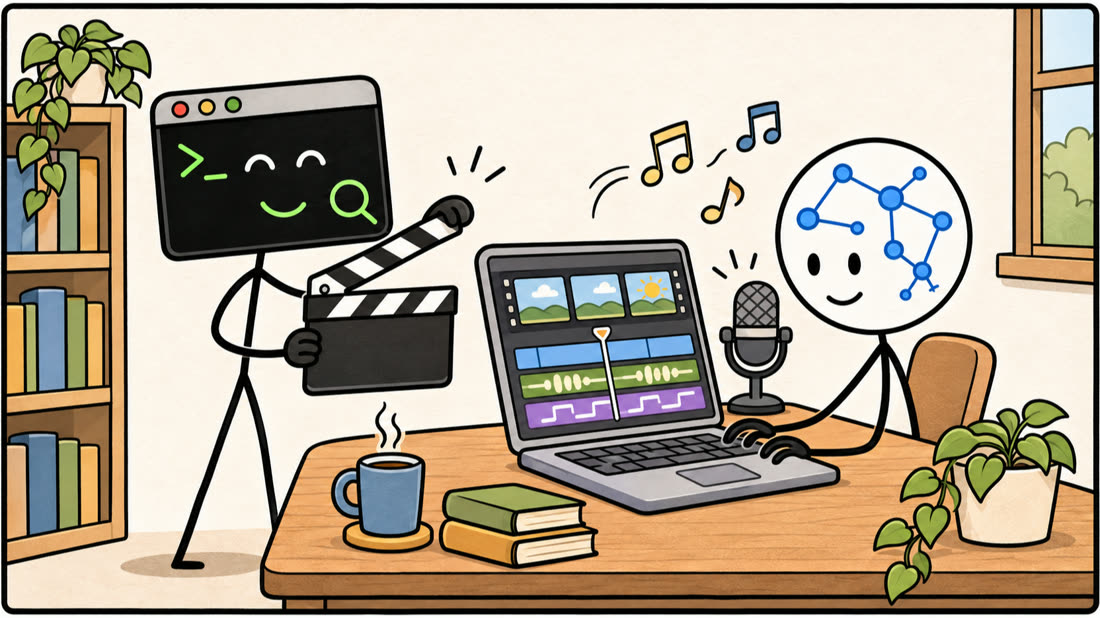
2They make videos, with code rather than a video model
No video generation model is needed. The agent finds the source material itself, then loads a video skill: written instructions for how to make an explainer. Following them, it writes a script and storyboard, makes the voice-over with a speech model, writes each scene as an animated web page and renders it with HyperFrames, a free tool that turns web pages into video. Then it checks its own work: it looks at every scene, measures the loudness and transcribes the audio to make sure every line was spoken. Press play on the preview in the answer.
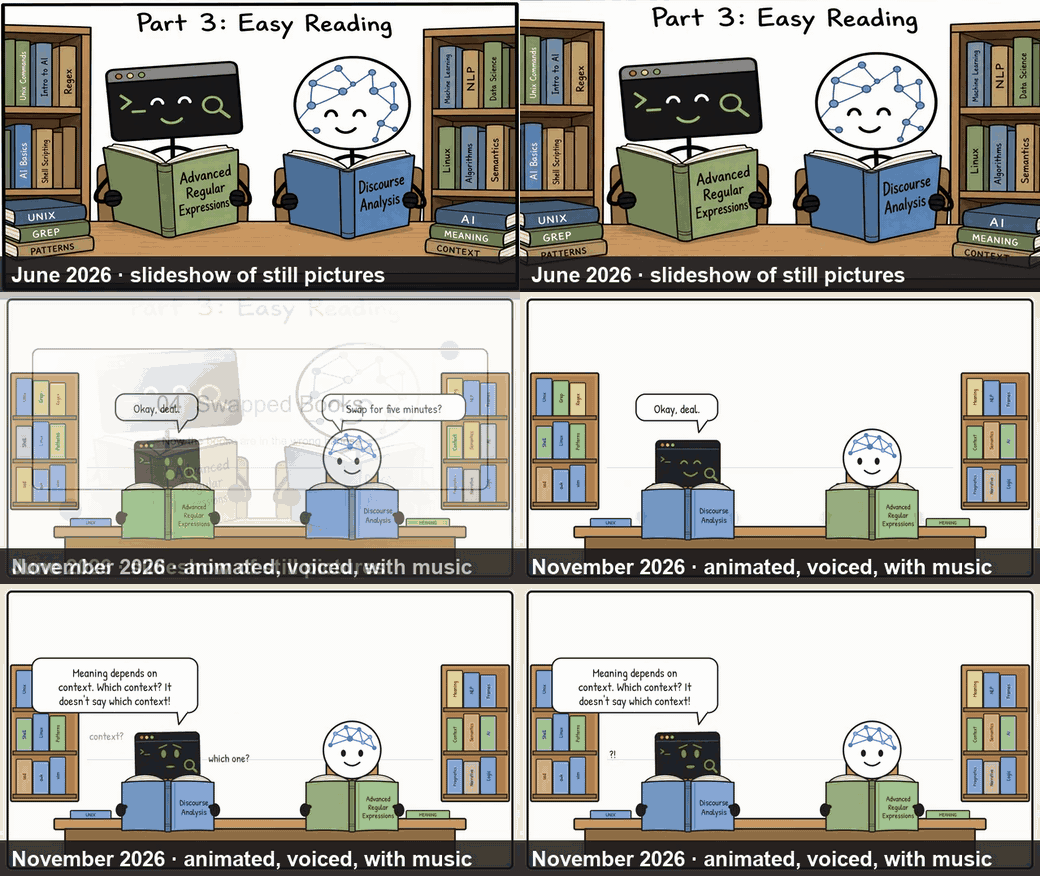
A real example from my own work. The same kind of request gave a slideshow of still pictures in June and a voiced, animated story in November. The method is an agent skill anyone can use: animated-talk-video on GitHub.
"Turn these slides into a two-minute explainer video with a voice-over and captions."
Background to 3, 4 and 5: the models now know they run in a harness
The harness is the software the model runs in: Claude Code, Codex, the Claude or ChatGPT app. It gives the model its tools, such as files, the shell, the browser and connectors. The new thing is that the harness itself is one of the tools, and the models have learned what that means. They know about chats, sub-agents, context windows and usage limits, so they reach for the right tool and use it accurately instead of guessing. Watch the purple "Thought" rows in the next three chats: that is where you see it.
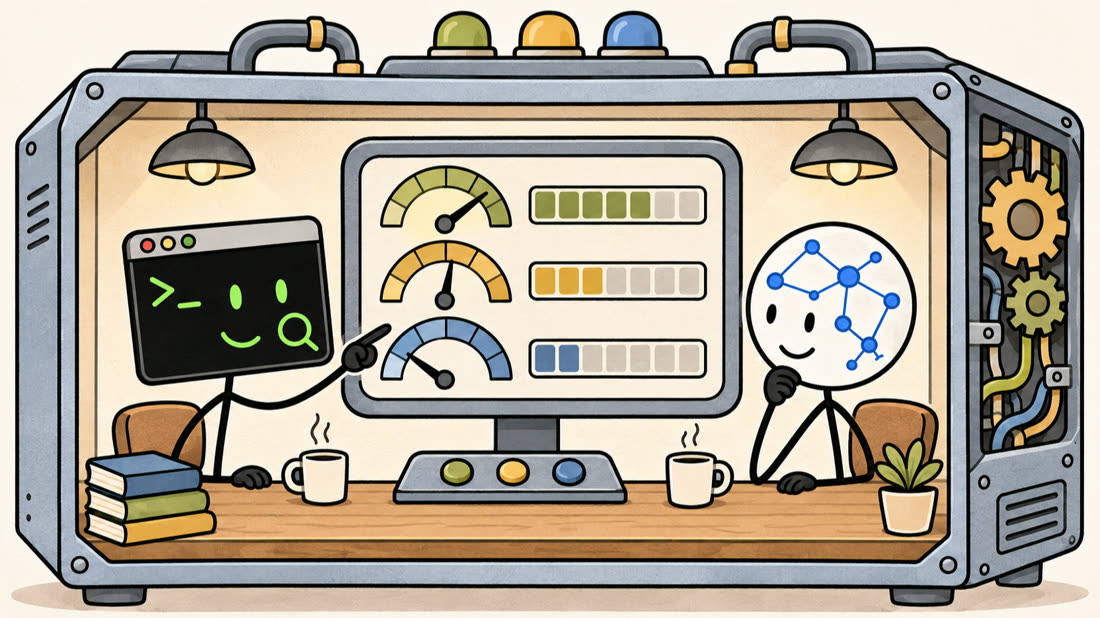
3They can check their own usage and their own harness
You can ask the agent how much you have used, how full its memory of the chat is, or what tools it has, and it will look rather than guess. The answers in these three chats are real, from Claude Code on the day I made this page. Click the chats in the sidebar.
"How much of my usage have I got left this week?"
"What tools and connectors do you have in this chat?"
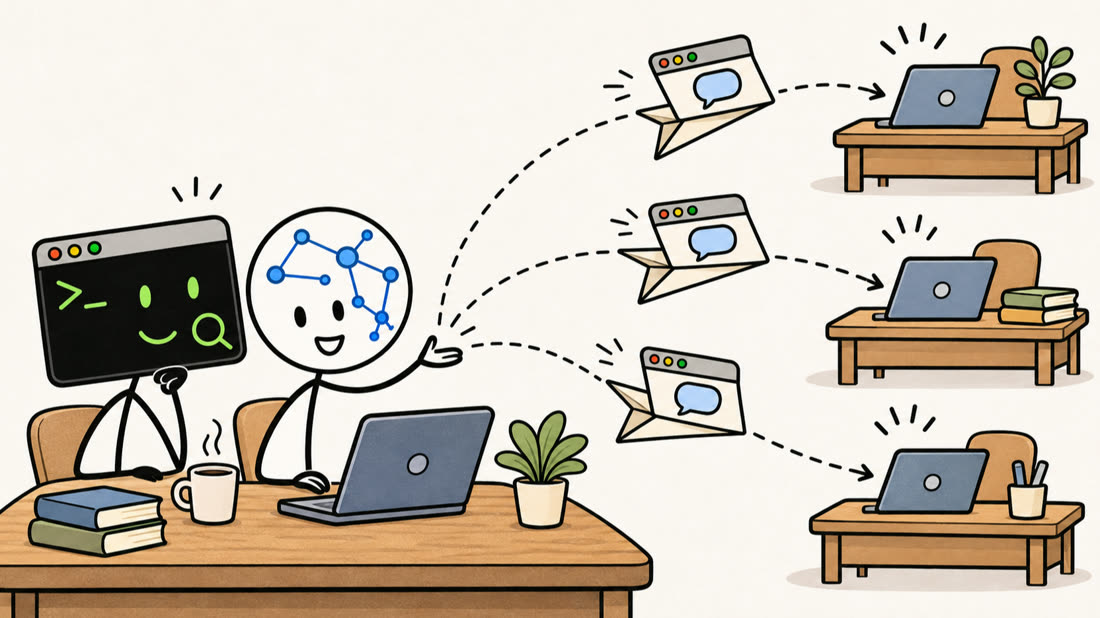
4They can start new chats for you
Because the harness is a tool, the agent can open new chats itself. Ask Codex to check your email and list the priorities, then to start a chat for each one. The new chats sit under the one that started them, so you can see they belong together. Each starts with the emails and files it needs. Press Replay and watch the sidebar, then click a new chat.
"Check my email. What are the priorities? For each one, start a new chat with everything it needs to know."
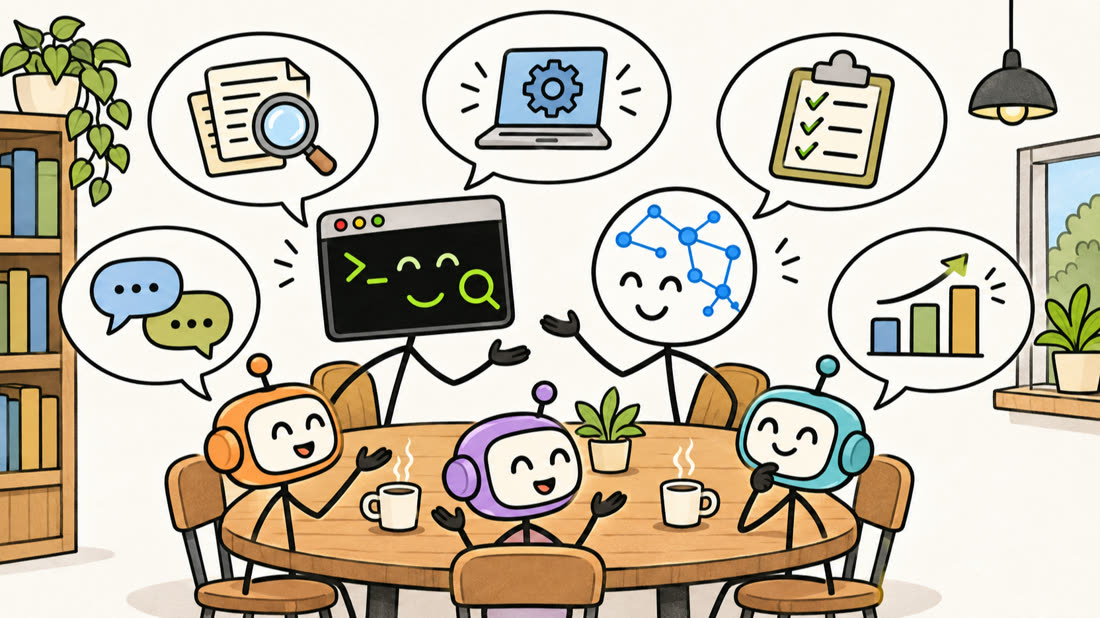
5They can run sub-agents that talk to each other
An agent can hand parts of a job to sub-agents, which can run on different models, even from different companies. Unlike the new chats in section 4, sub-agents stay out of your chat list: they work in the background for the chat that started them. Here they appear in a panel on the right; click one to read its own history. I use this for second opinions and for cross-checks, where one model builds and a model from another company reviews. Here are three ways to set it up.
"Start two sub-agents: one plays a sceptical reviewer, the other defends my proposal. Let them argue for three rounds and summarise."